













Find Your Kula Deivam
Search through thousands of temples by name or district and connect deeply with your divine roots.








Install App for More Features
Get the complete Kula Deivangal experience directly on your phone. Manage your temple and receive real-time notifications anywhere you go.
Empower Your Temple
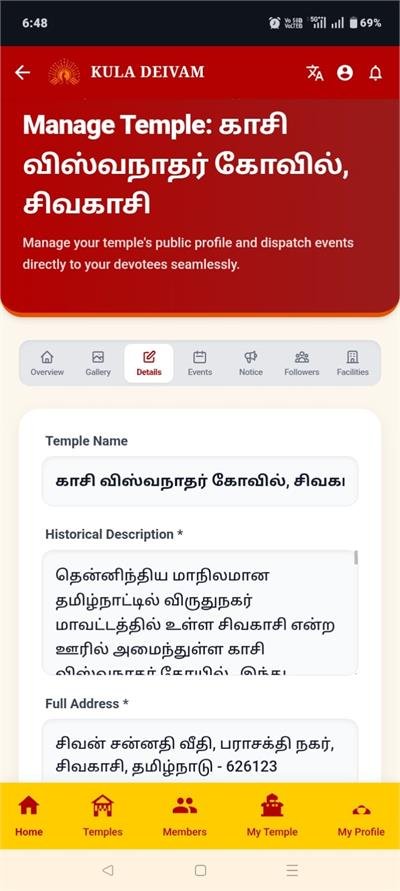
Sign in as a Manager to officially register your temple and unlock powerful management tools designed for administration.
Connect Deeply
Sign in as a Devotee to easily locate your roots and never miss a blessing. Guarantee your lineage stays connected.

Explore Temples
Discover detailed history and stories of ancient temples.

Upcoming Festivals
Stay updated on important dates and pooja schedules.

Connect Members
Find long lost relatives and members from the same kula deivam.

My Temple
Set your Kula Deivam and get exclusive notifications.
Today's Blessing
"May your Kula Deivam bless you with peace, prosperity, and happiness. Stay connected to your roots and traditions."
Connecting You to Your Heritage
Explore how our platform helps you record, preserve, and stay engaged with your ancestral temple's activities.
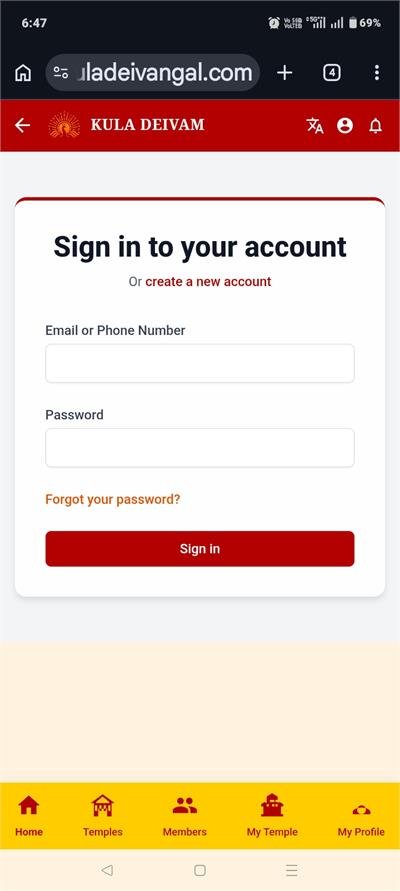
1. Easy Sign Up
Register quickly to securely engage with your community and enable event notifications.
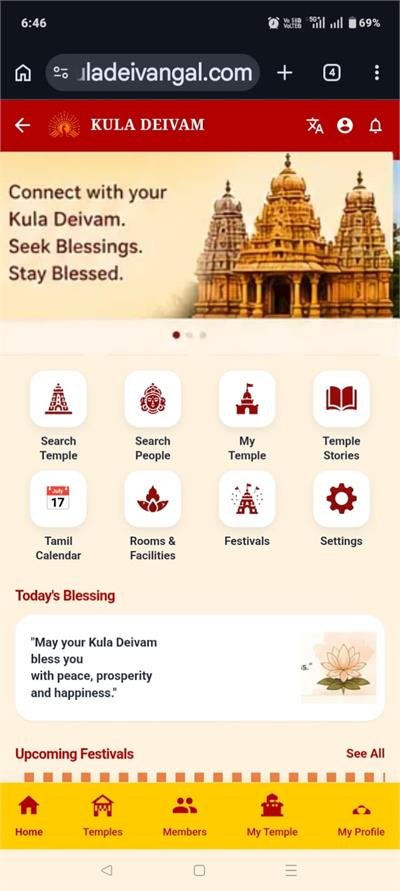
2. Smart Dashboard
Your home screen gives you quick access to your Kula Deivam, blessings, and updates.
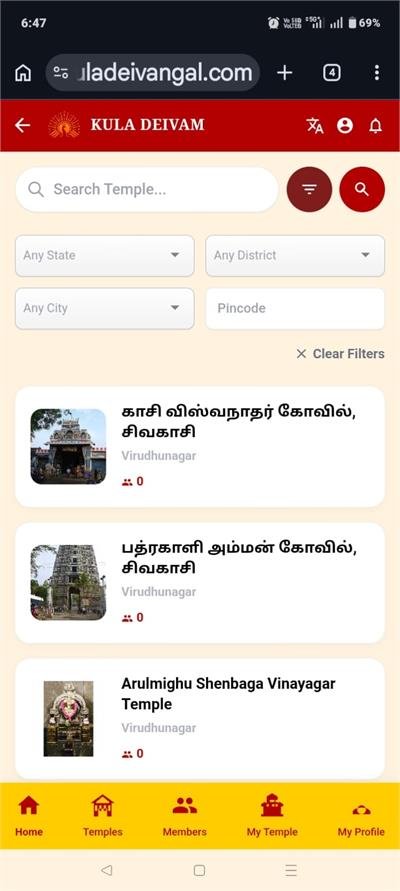
3. Discover Temples
Search across our massive database by name or district to find your exact temple.
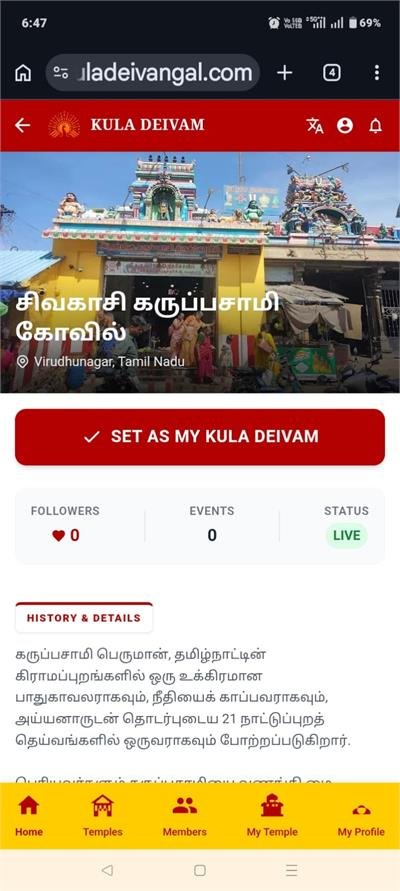
4. Temple Deep Dive
Explore temple history, upcoming pooja timings, and information verified by management.
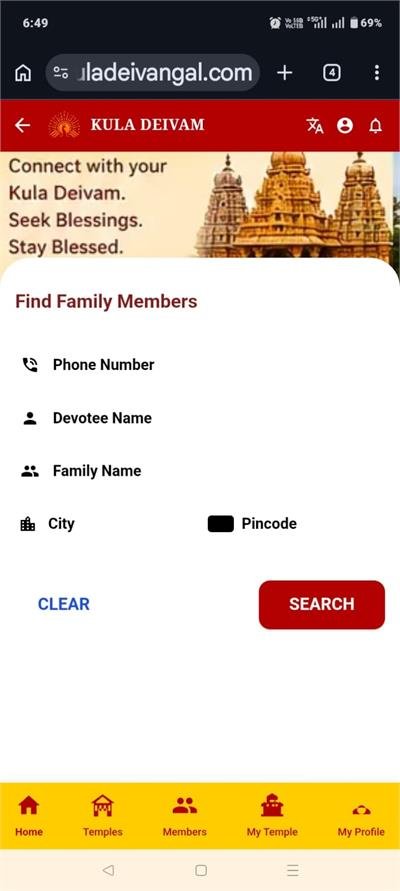
5. Connect With Devotees
Find and safely connect with relatives, caste members, and fellow temple devotees.
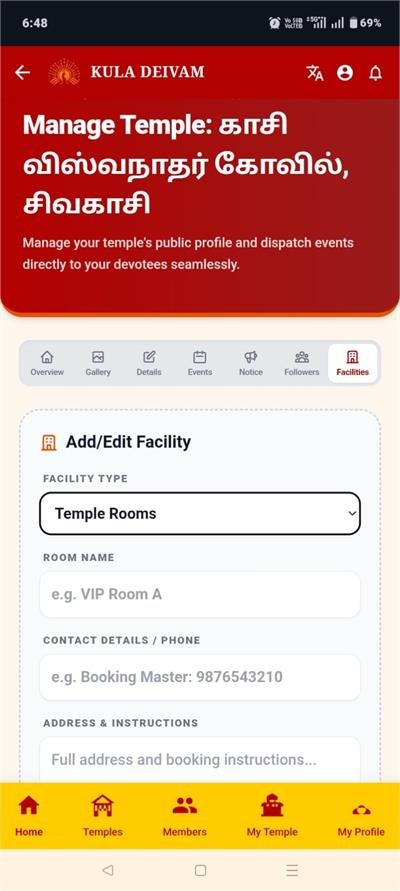
6. Book Amenities
Check real-time room availability to plan your family visits and functions smoothly.
7. Complete Management
For administrators, manage events, approve members, and handle bookings effortlessly.
Take Kula Deivangal Everywhere
Download our mobile app to instantly receive updates, book events, and connect with your temple trust securely.